
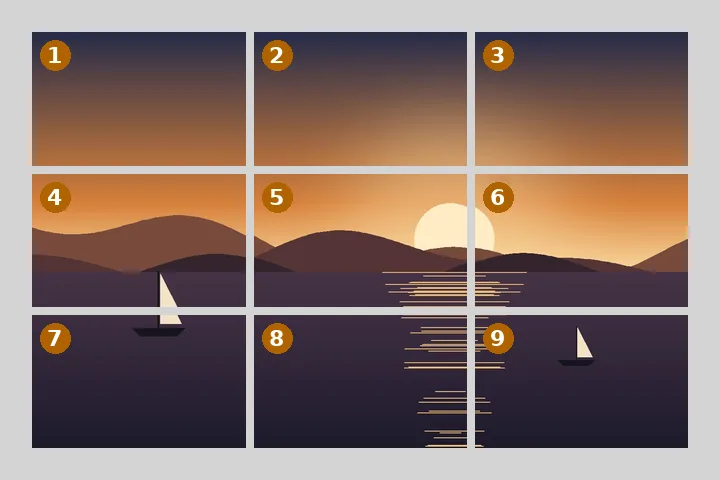
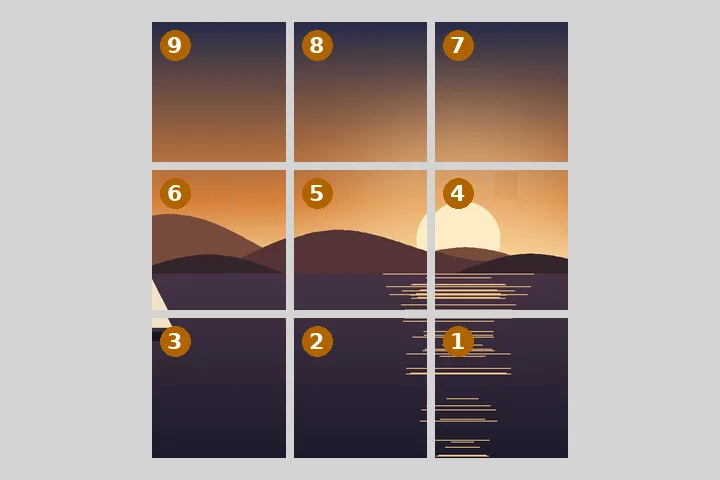
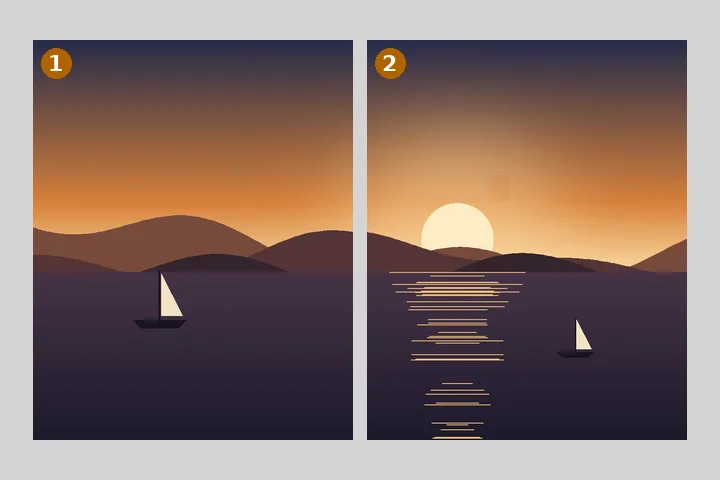
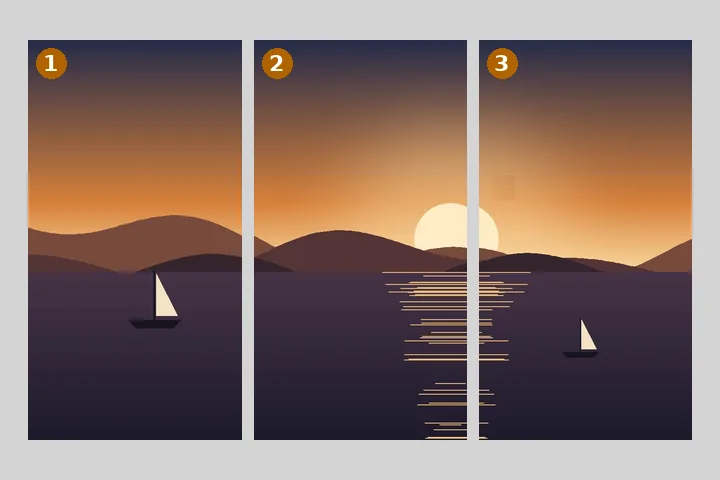
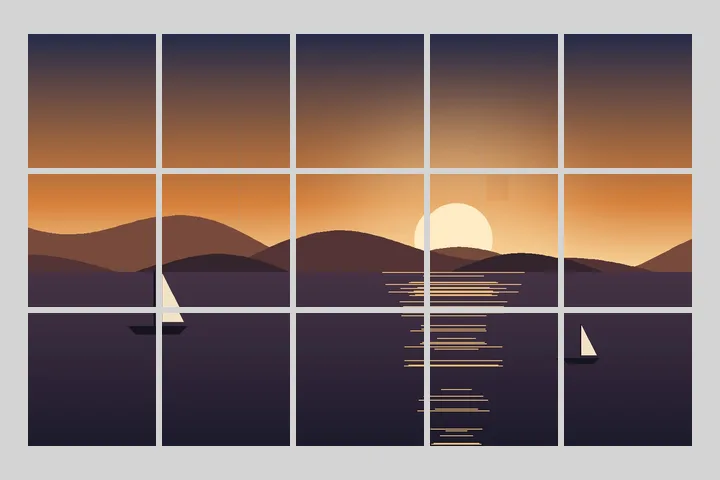
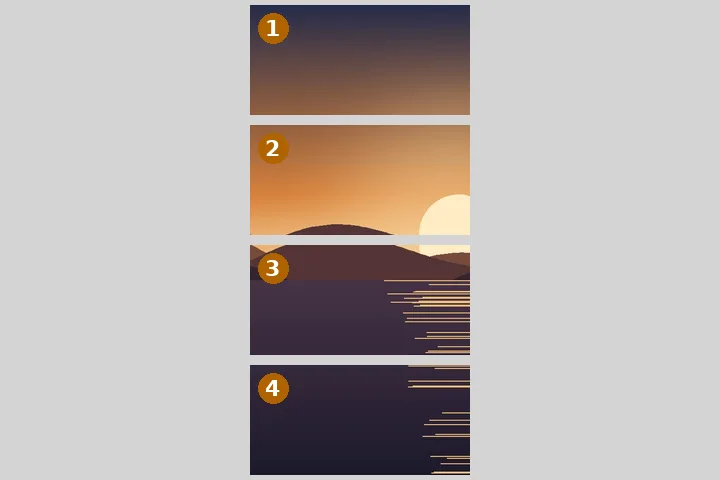
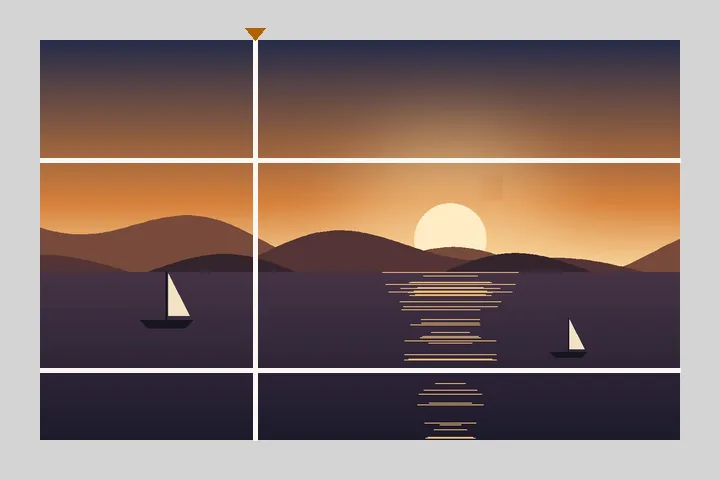
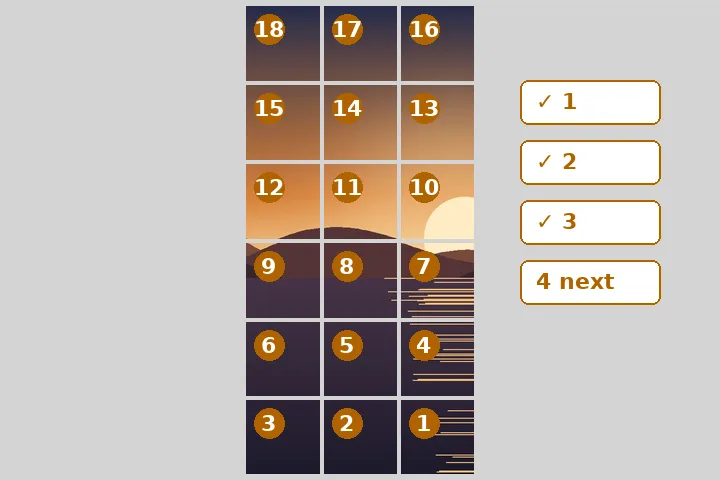
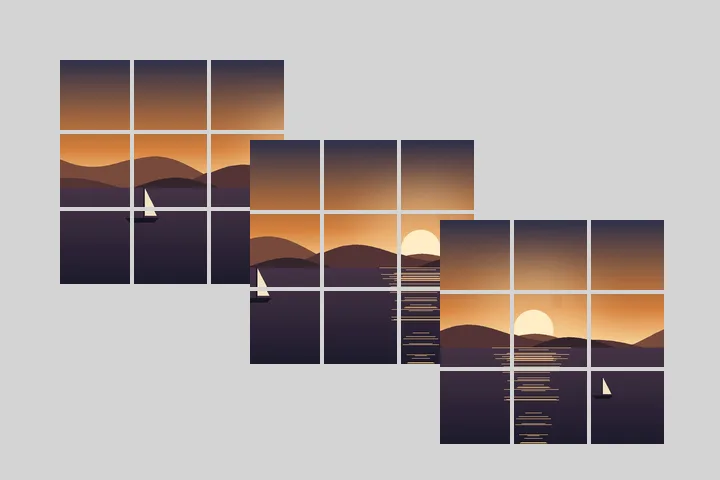
What a split actually costs you
Dividing is not resizing. A 3000-pixel-wide picture cut into three columns gives three 1000-pixel columns. Nothing is added, nothing is sharpened, and no tile can carry detail the source did not already have. If the place these tiles are going shows each one at 1080 pixels, it is the destination that upscales them, and that upscale is the one step in the chain this tool has no say in.
The second cost is the format. Cutting a JPEG means decoding it and writing new JPEGs, and a JPEG written from a decoded JPEG sits one generation further from the camera. Setting the tile format to PNG removes that loss and multiplies the file sizes by roughly four. Leaving it on JPEG at 82 keeps the archive small and accepts a loss you will not see on one tile and might see on a flat sky spread across nine. Both are defensible; there is no third option that is neither.
The arithmetic is exact and worth stating plainly. A framed width of 1082 pixels across three columns is not 360.67 pixels three times. It is 361, 361 and 360, because the two spare pixels have to go somewhere and dropping them off the right-hand edge is the wrong place. Every tile’s width and height appears in the inspector before a single byte is written.
A split cannot add detail, and it cannot survive a destination that re-encodes what you give it. Those two facts set the ceiling on what any tool of this kind can do for you, including this one.
Four ways to divide a picture
They look like one operation and they are four different jobs, because the thing on the other side of the cut is different every time.
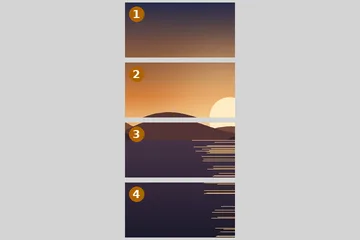
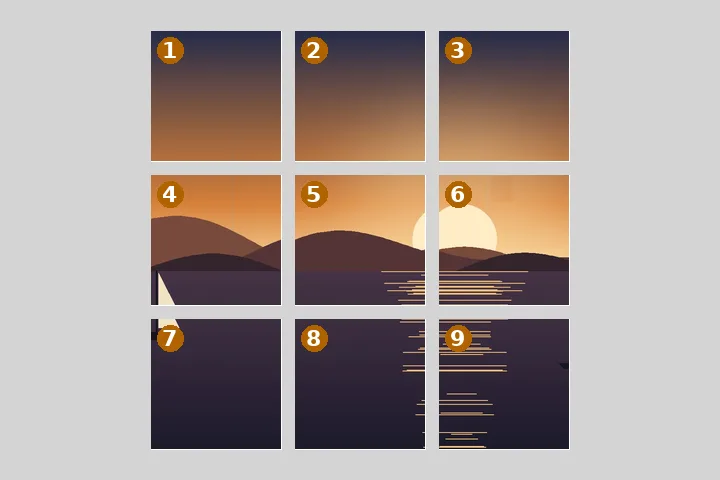
- Equal parts. R columns by C rows, tiles taking whatever shape the division produces. Nothing is discarded, and the tiles go back together exactly. This is the default here.
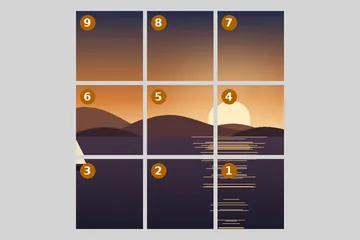
- Profile grid. Three columns of 3:4 tiles, each written as the 4:5 upload the grid crops it from, previewed with the gutter the destination draws, and numbered in the order they have to be uploaded rather than the order they are read in. Legacy square tiles are a switch away. Built here, on its own page.
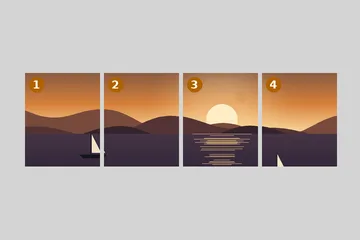
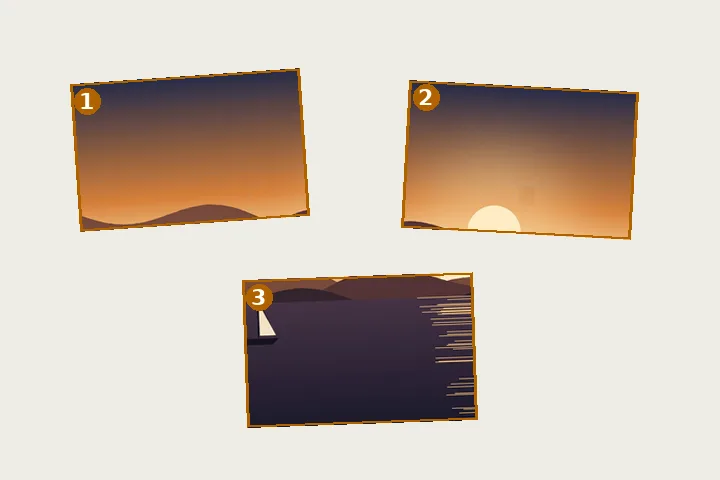
- Carousel slides. One wide picture into two to twenty slides at 1:1, 4:5 or 3:4, where each boundary is a swipe rather than a gap and a face landing on one reads very differently. Built here, in the Social mode.
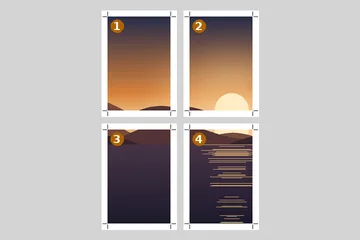
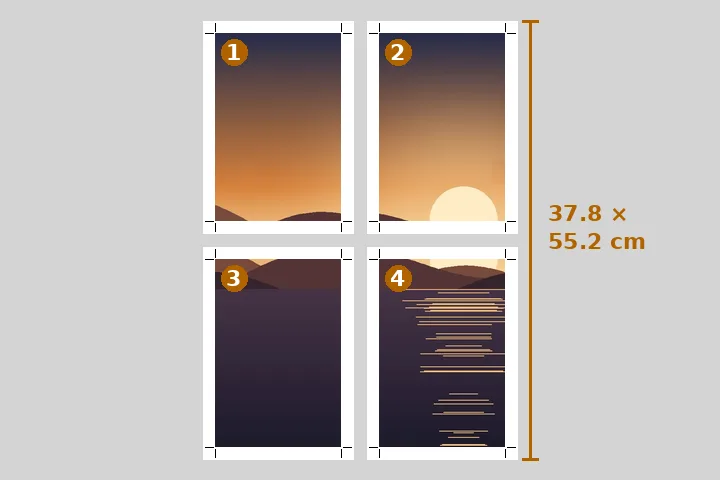
- Poster tiling. A finished physical size laid across A4, A3 or Letter sheets with overlap for tape, trim marks, glue lines and a text assembly map. Built here, in the Print mode, which works in millimetres and prints the effective DPI next to the controls instead of promising one.
All four are here, on one board. Grid also divides by a fixed tile size, and Guides takes free cuts pulled out of the rails beside the picture, so a split does not have to be even.
What this accepts
JPG, PNG, WebP, GIF, BMP and ICO go straight to the browser’s own decoder, and so does AVIF wherever the browser has one. TIFF is recognised from its bytes and offered in the picker, but the decoding is the browser’s and only Safari does it; Chrome and Firefox refuse, and the refusal is reported as a decode failure rather than papered over. HEIC — what a recent iPhone shoots by default — is read through a WebAssembly build of libheif: roughly 2 MB of chunk, near 700 KB over the wire, fetched the first time a HEIC actually arrives and never on page load. A GIF contributes its first frame; animated tiles are not something this tool makes, and it says so rather than writing nine still pictures and calling that a split.
Colour handling is the browser’s own, and this site does not add a conversion of its own. Browsers apply an embedded colour profile — CMYK, Display P3 — as they decode, and the tiles are drawn from that one decoded copy into an sRGB canvas, so all nine tiles share the same conversion rather than nine chances to drift. How faithfully a CMYK file is converted depends on the browser, and it has not been tested here on every one. A multi-entry ICO is handed over whole and the browser chooses which entry to decode; nothing here picks for it.
Orientation is settled before the grid is drawn. The EXIF flag is read out of the file, a two-pixel probe image establishes whether this particular browser has already applied it, and the rotation is applied by hand only if the browser did not — which is what stops a phone photograph coming out rotated twice. A picture shot sideways gives sideways tiles, which is what it should give.
The ceilings: 120 MB per file. Above roughly 32 megapixels, or 16 on iOS, the tool offers a lighter working copy and waits for an answer instead of deciding for you. Above 100, or 40 on iOS, it declines and explains the number, because a browser that runs out of canvas memory hands back a blank picture rather than an error and that is a worse outcome than a refusal.
What it will not do, and two things it now does on request
Each of these is a request that arrives regularly. Two are refused outright, for reasons that survive the asking; two are now available, but only when you switch them on, and the board says what they cost. A tool that divides has to be trusted not to quietly do something else on the way.
- Put the tiles back together. Reassembly is the inverse operation and it belongs to a different tool with different failure modes — mismatched edges, wrong order, a missing piece. The board will check that its own tiles go back together, pixel for pixel, but it will not join files for you.
- Resample a tile to a number you name — only if you ask. A fixed tile size here means that many source pixels, cut, never a picture stretched or shrunk to fit. Under Output, “Resize every file after the cut” is off by default and labelled for what it is: a second, lossy step, for a carousel slide that must be exactly 1080 wide. The reassembly check switches off when it is on.
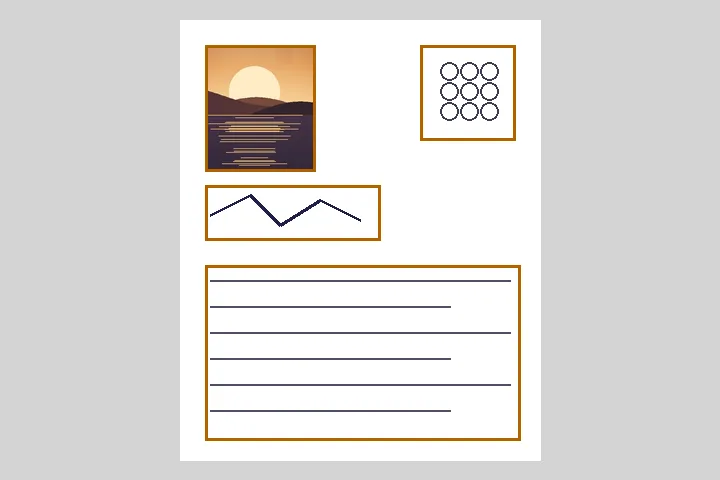
- Hit a target file size — only for forms. A set of tiles shares one quality setting, because that is the only way a set looks like a set, so the board never squeezes tiles into a kilobyte budget. The one exception is the photo-and-signature page, where an application notice states a KB window per file and each file is searched into it on its own.
- Guess what matters in the picture. There is no subject detection and no warning when a boundary lands on a face. A detector that is right four times in five trains you to stop looking at the preview, and the preview is the thing that is always right.
The refusals above are not a backlog. When one of them changed — resizing and file-size targets — it was because a specific job needed it, and the reasoning was rewritten on this page rather than quietly dropped.